
Using Seven Tells
Seven Tells turns a recovery or anxiety self-check into a thirty-second daily habit. Here is how it fits together. For the method behind it, see the Personal Craziness Index.
Getting Started
When you first open the app, you pick the seven warning signs you want to watch. These are personal: the small behaviors that tend to slip first for you, grouped by area of life. You can change them later in Settings. You can also set an optional passcode or Face ID lock, and a gentle daily reminder (a second one is part of Pro). Once you've checked in for the day, reminders stop until tomorrow.

Checking In Each Day
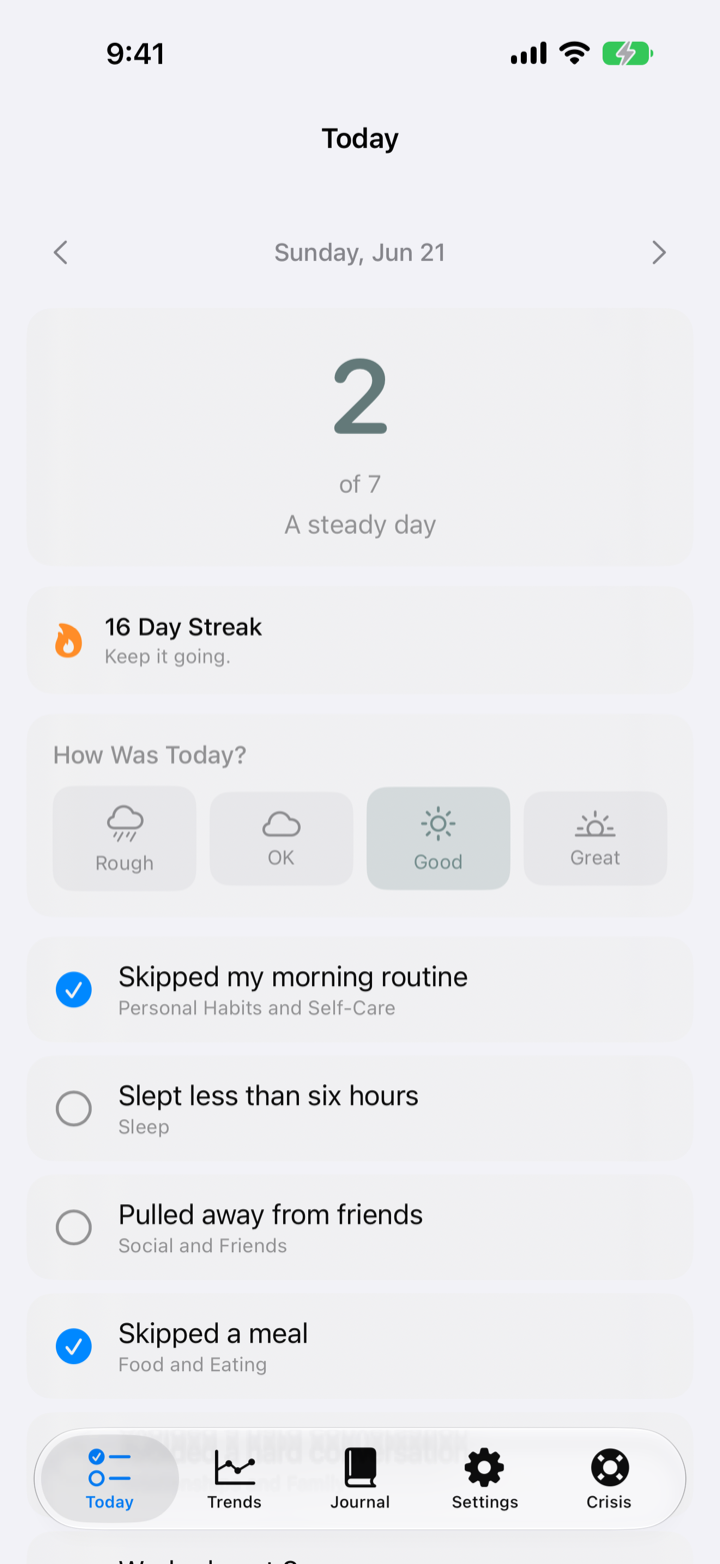
On the Today tab, tap the indicators that came up that day. Your score is simply how many you checked, from 0 to 7. Lower is calmer. You can also give the day your own gut rating, from Rough to Great, and add a short note for context.
Reading Your Trend
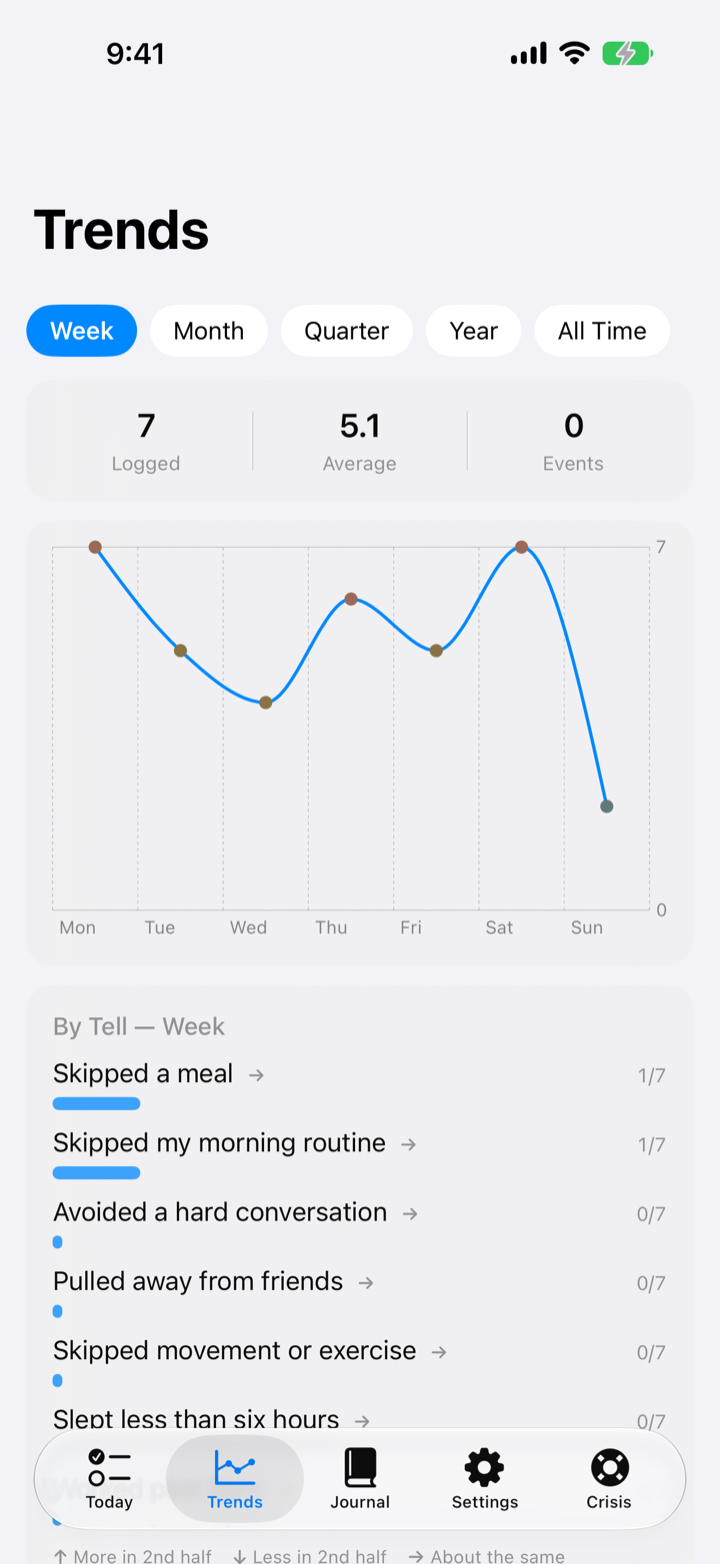
The Trends tab charts your score over a week for free, and over a month, quarter, year, or all time with Pro, with your average for the range. It also counts the days since your last logged slip or relapse. Below the chart, a per-sign breakdown shows which tells come up most, so you can see what tends to slip first. The point is not a perfect score. It is noticing a rise early.
Journaling
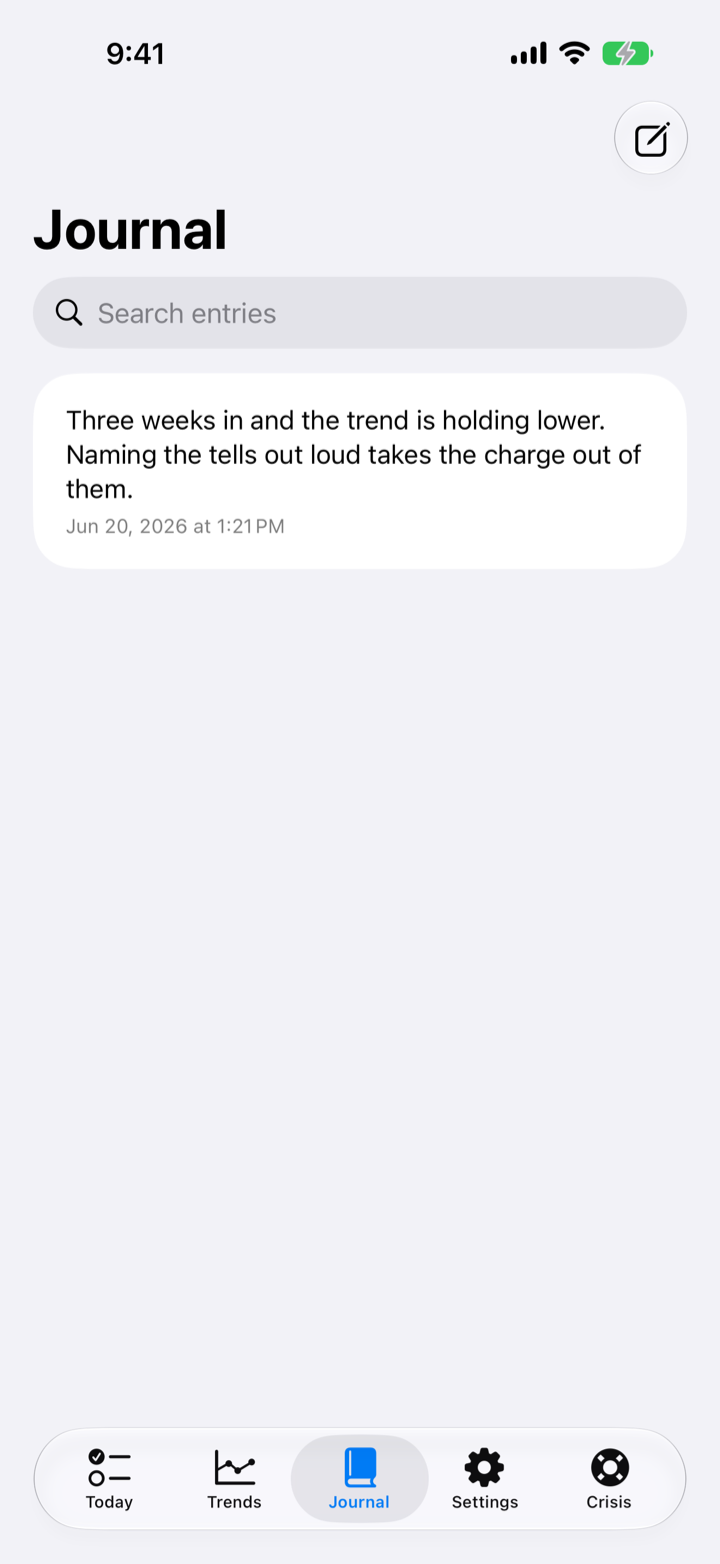
The Journal tab, part of Seven Tells Pro, is for longer reflection that is not tied to a day's check-in. Entries support light formatting (bold, italic, underline, and bullets), and you can tag each entry with how it felt, the same Rough to Great scale used for the day. Search filters your entries as you type. Notes and entries are encrypted on the device.
Life Events
From the events view you can log things that affect your recovery, a stressful day, a milestone, a trigger, so they sit alongside your scores and give the trend context.
Crisis Contacts
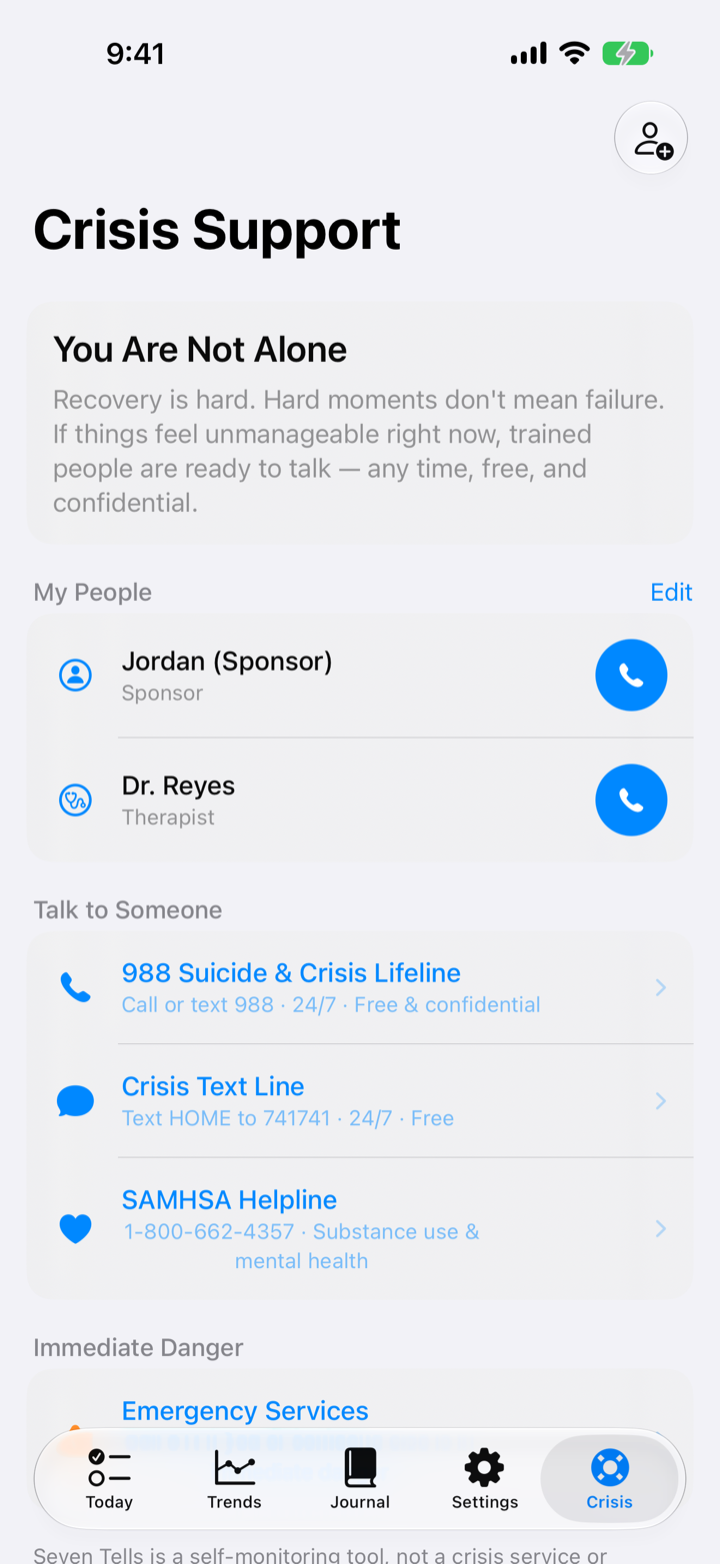
The Crisis tab keeps the people who matter one tap away, for the moments you need them. You add them yourself, and they stay on your device.
Settings, Export, and Your Data
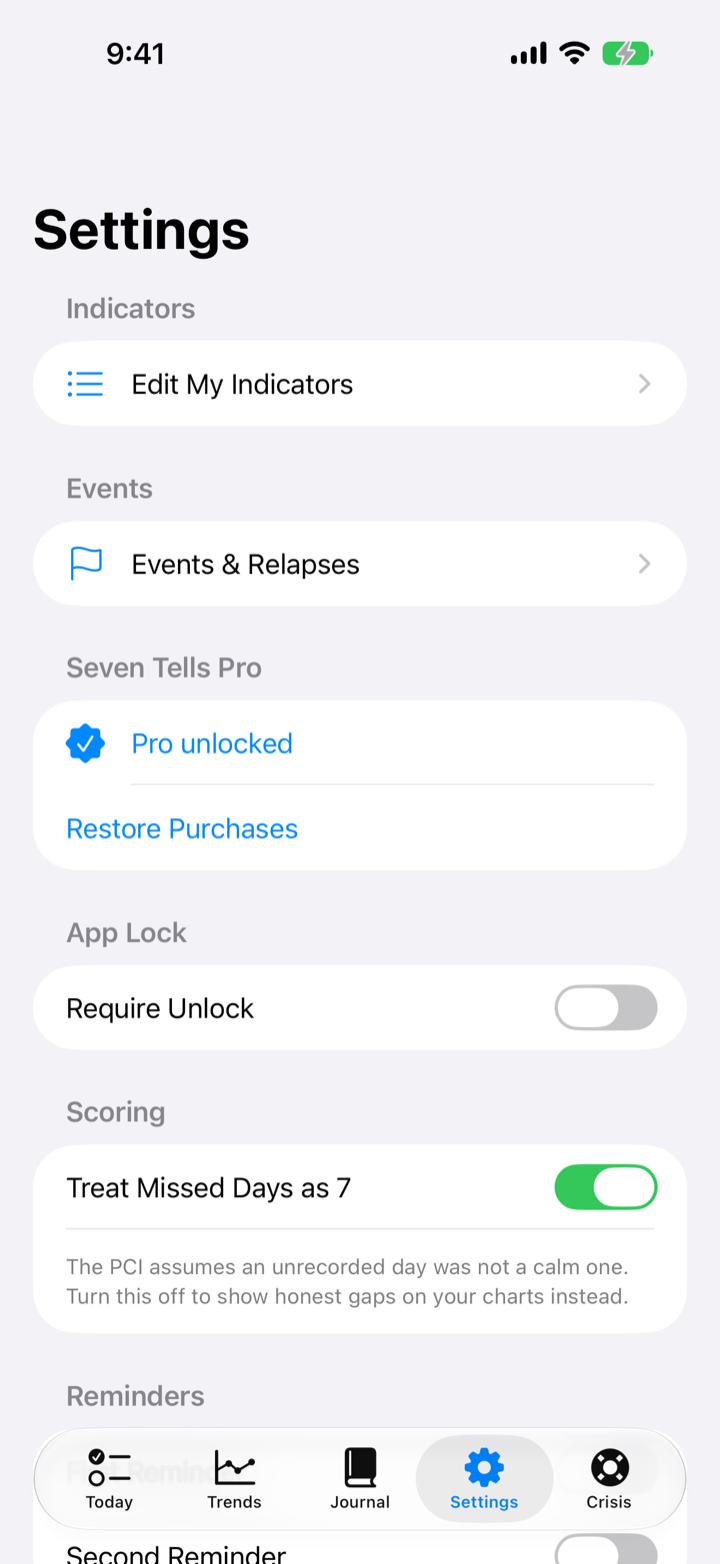
In Settings you can edit your seven indicators, manage the lock and reminders, turn on optional iCloud sync, export your history with Pro as CSV, JSON, Markdown, or PDF, and, if you ever want a clean slate, delete all of your data. Export and sync are always your choice, and sync uses your own private iCloud rather than any developer server.
Seven Tells is a self-awareness tool, not a medical device. It does not diagnose or treat any condition. If you are in crisis, please contact a qualified professional or your local emergency line.